

Students
“How do I register a student?” or “how do I approve a join request?” — answered and linked.
BanYoo Tutor comes with an AI assistant. Ask how to do anything in plain language — add a student, send a fee reminder, create a class — and it answers instantly and takes you straight to the right screen. No manuals, no training.
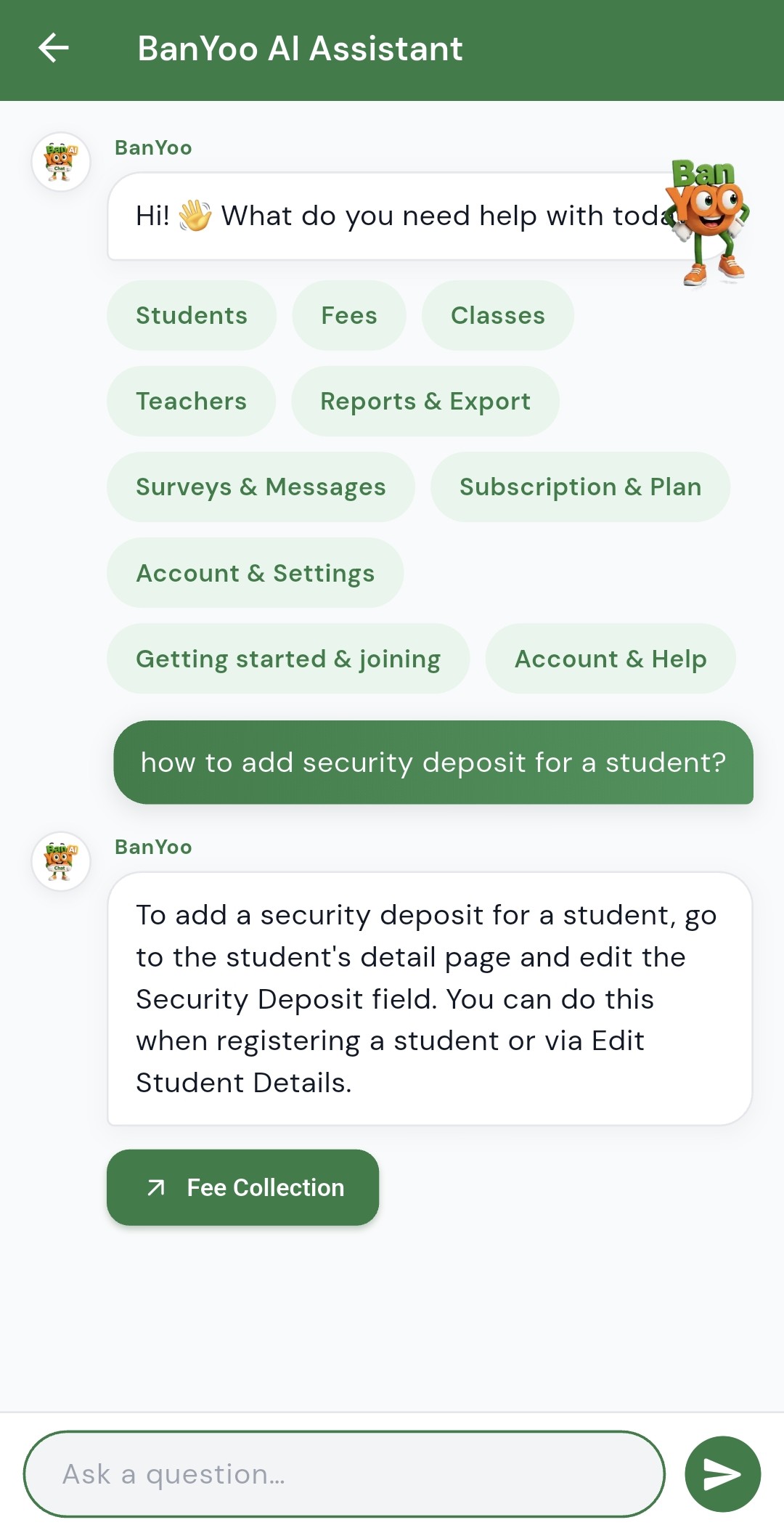
Tap a topic or just type a question. The assistant understands plain English and covers every part of running your institute.
“How do I register a student?” or “how do I approve a join request?” — answered and linked.
“How do I send a fee reminder?” The assistant explains it and opens Fee Collection.
“How do I create a class or assign a teacher?” Step-by-step, with a link to the screen.
“How do I add a teacher?” Learn the flow and jump straight to teacher management.
“How do I send an announcement or run a survey?” The assistant walks you through it.
“What plan am I on?” Understand subscription, billing, and how to upgrade.
Real answers with quick-action buttons that deep-link you to the exact screen you need.
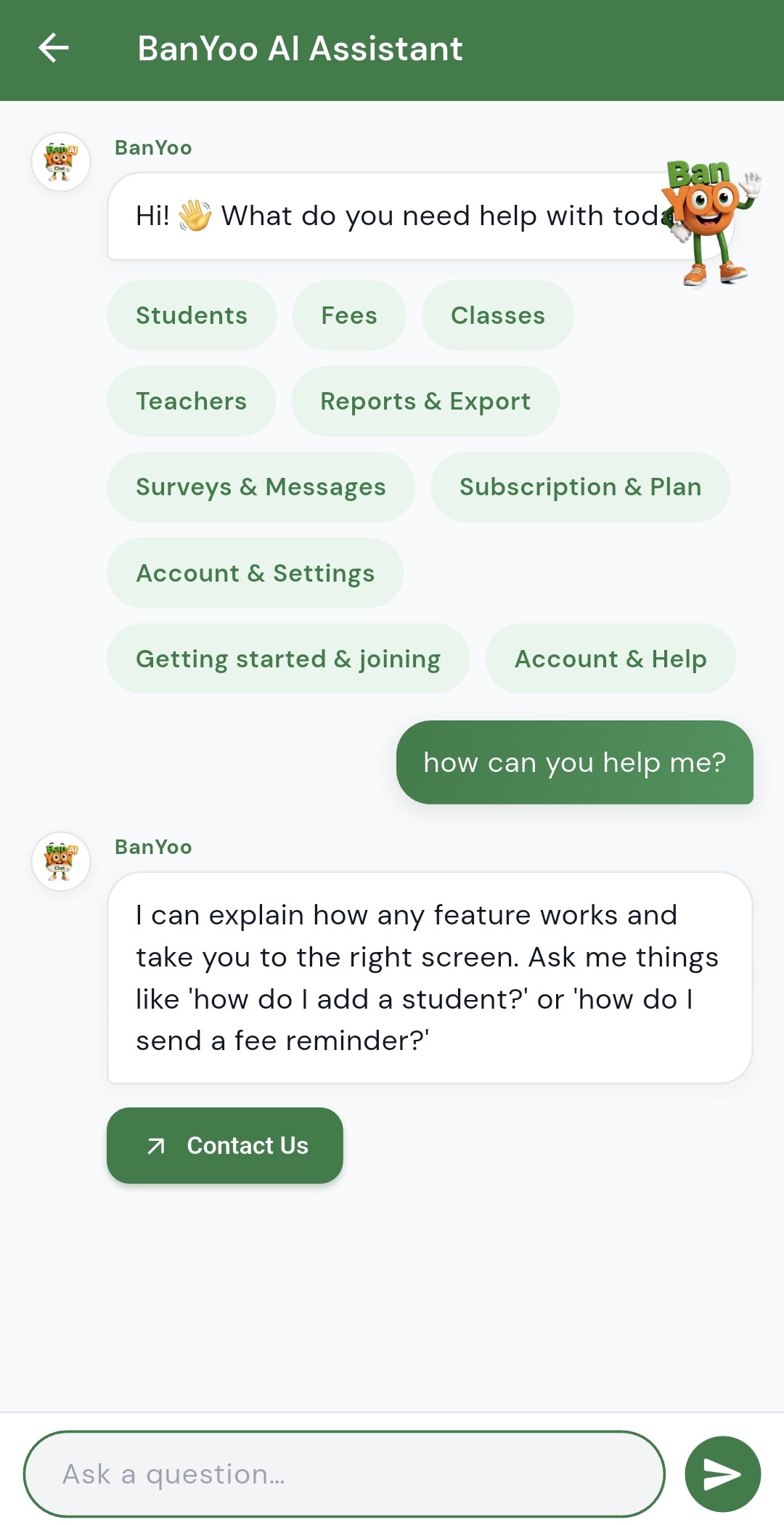
Type a question like “how do I send a fee reminder?” or tap a topic chip — no exact wording needed.
It gives a clear, step-by-step answer for your role, drawn from how BanYoo Tutor actually works.
Tap the quick-action button in the reply and you land exactly where you need to be — ready to act.
It’s an AI chat assistant built into the BanYoo Tutor app. Ask it any question about how the app works — like “how do I add a student?” or “how do I send a fee reminder?” — and it explains the feature in plain language and takes you to the right screen.
Anything about running your institute in the app — students, fees, classes, teachers, surveys, messages, subscription, account settings, and getting started. If you’re not sure where a feature lives, just ask.
Yes. Many answers include a quick action button that deep-links you straight to the relevant screen, such as Fee Collection or a student’s detail page — so you can act immediately instead of hunting through menus.
No. The AI Assistant replaces manuals and training sessions. New admins, teachers, and staff can simply ask the app how to do something and get a step-by-step answer on the spot.
Yes. The assistant helps you navigate and understand the app. Your institute’s data stays secure in the cloud with role-based access, and each user only sees what their role allows.
Free to download. Start your free trial — no credit card needed.
Scan to download